
Your fully offline AI companion
Rafeeq is a local AI desktop assistant for code help, document Q&A, and summarization — built for machines that will never see the open internet.
~3 MB installer · MIT licensed · macOS and Linux on the way
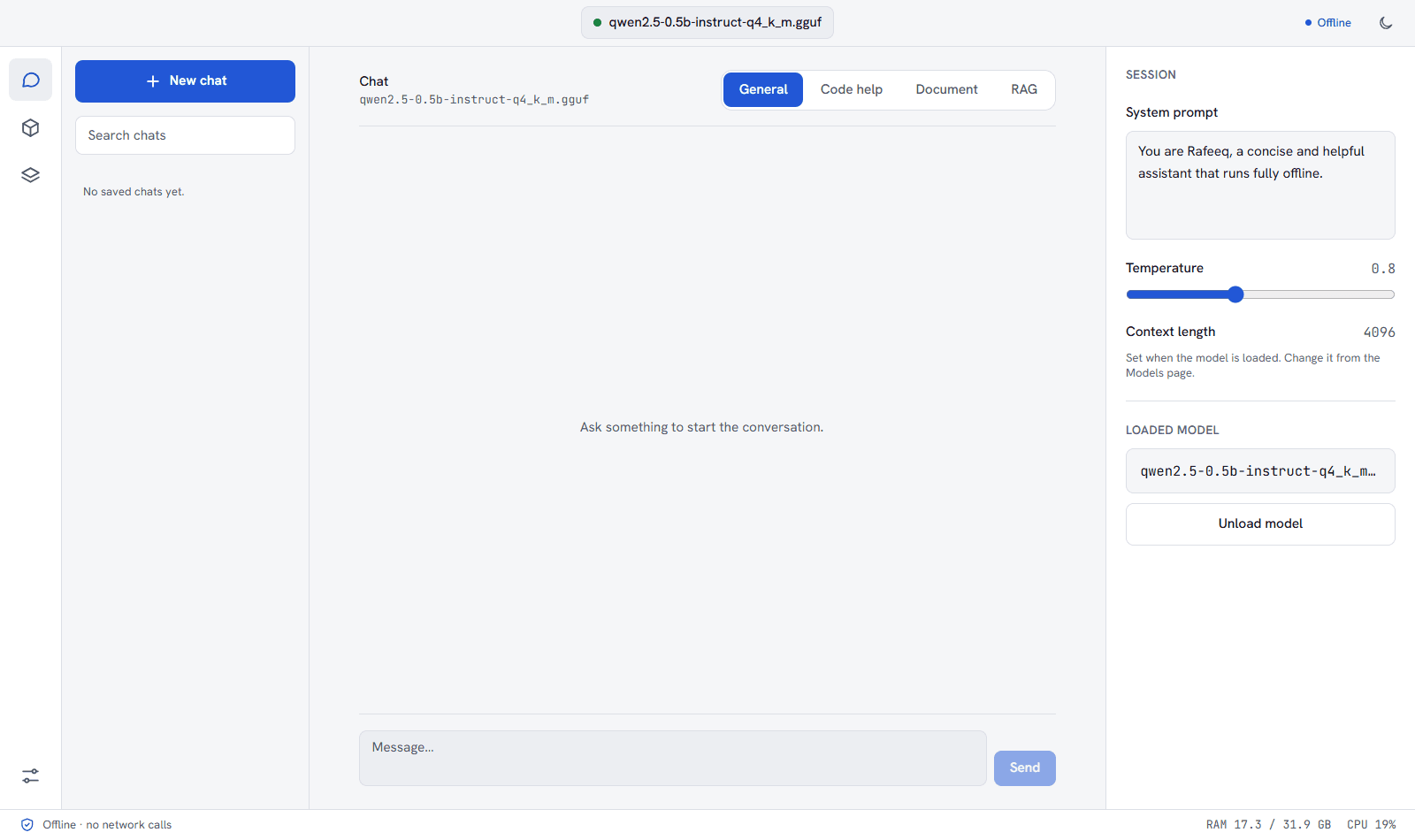
No API keys. No cloud calls. No telemetry.
The model, the runtime, and your data never leave the machine — verifiably, not just by policy.
01
Zero network calls
Rafeeq makes no network calls at runtime, by design and by construction. Block your network and it runs identically.
02
Runs entirely on-device
Powered by llama.cpp and quantized GGUF models on CPU — no GPU required, no API keys, no cloud.
03
Built for restricted machines
Corporate VMs, air-gapped networks, regulated industries — Rafeeq works where cloud AI tools can't.
Code help
Paste code. Get an explanation.
Paste or select code, ask questions, get explanations or suggestions. Chat and explain only — Rafeeq never executes code.
Model manager
Bring your own model.
Point Rafeeq at a sideloaded .gguf file, swap models, and see size and quantization info at a glance. Save named profiles for quick switching. Chat and embedding models are labelled automatically.
Documents
Ask questions about your files.
Load a local .txt, .md, .docx or .pdf file and ask about its contents, or get a summary. For whole folders, index them with local RAG. Everything is computed on-device.
Verifiably offline
Don't take our word for it.
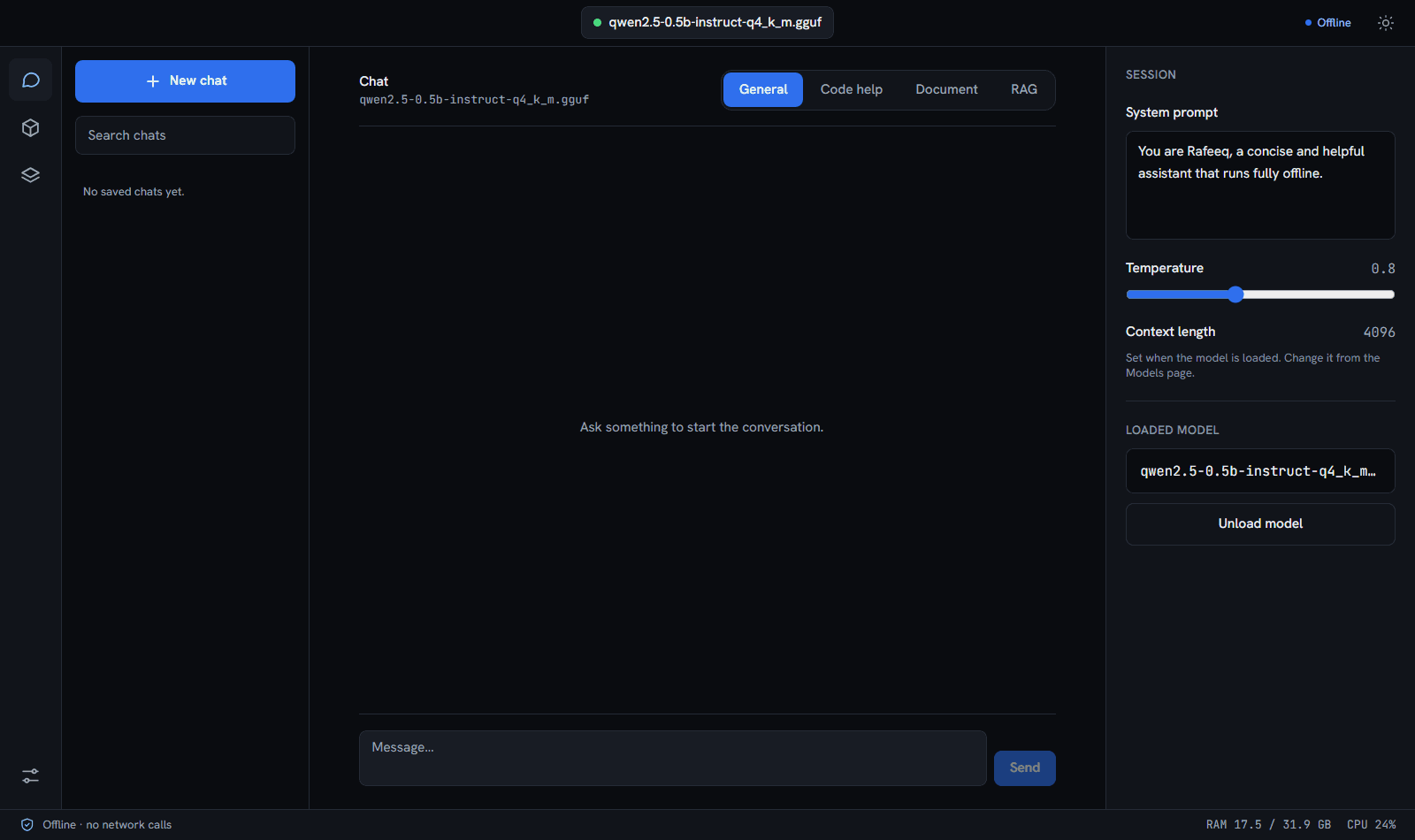
An in-app indicator and a hand-maintained dependency allowlist confirm no network-capable plugin is registered in the build. Block your network — Rafeeq runs identically.
Offline · no network calls
- 1Block network access: a firewall rule, a disabled adapter or an air-gapped VM.
- 2Launch Rafeeq and load a model.
- 3Chat. It runs identically.
Get Rafeeq on a machine that has no internet.
Install it, copy a model file over by USB or file share, and start chatting.